Physical Address
304 North Cardinal St.
Dorchester Center, MA 02124
Physical Address
304 North Cardinal St.
Dorchester Center, MA 02124

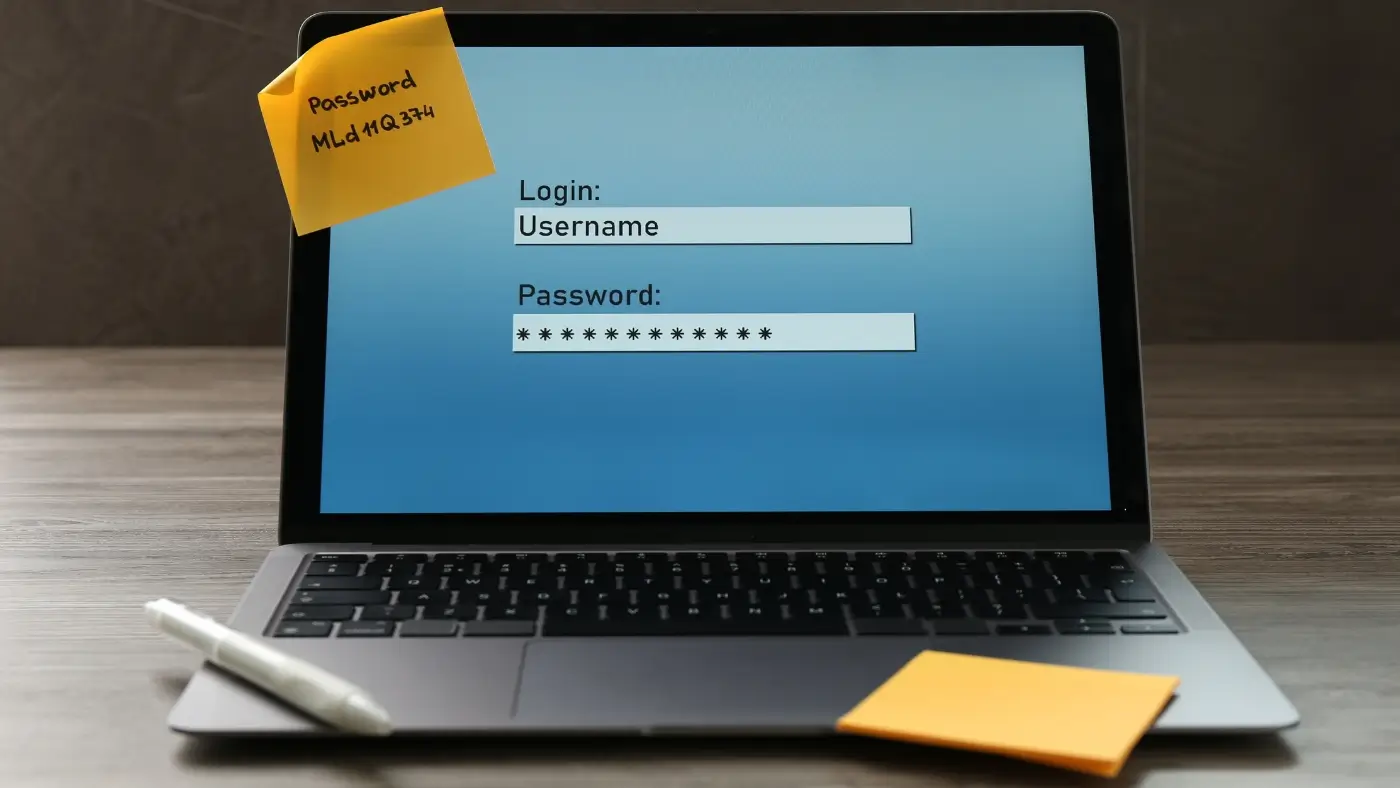
Online accounts protect personal information, communication, finances, and work-related data. However, weak or reused passwords make these accounts easy targets for cyber threats. Learning how to create strong passwords is one of the most important steps for improving online safety. Strong passwords reduce the risk of unauthorized access, data leaks, and identity misuse. This article explains what strong passwords are, why they matter, and how to build them correctly. It also provides clear steps, common mistakes to avoid, and practical tips that help maintain secure accounts across multiple platforms.
Online accounts protect personal information, communication, finances, and work-related data. However, weak or reused passwords make these accounts easy targets for cyber threats. Learning how to create strong passwords is one of the most important steps for improving online safety. Strong passwords reduce the risk of unauthorized access, data leaks, and identity misuse. This article explains what strong passwords are, why they matter, and how to build them correctly. It also provides clear steps, common mistakes to avoid, and practical tips that help maintain secure accounts across multiple platforms.
Strong passwords are combinations of characters that are difficult to guess or crack using automated tools. They protect online accounts by creating a secure barrier against attacks such as brute force, phishing, and credential stuffing.
Weak passwords often follow predictable patterns. For example, using names, dates, or simple number sequences makes accounts vulnerable. In contrast, strong passwords rely on length, complexity, and uniqueness.
Passwords act as the first layer of defense. When a password is compromised, attackers may gain access to emails, cloud files, or financial accounts. Therefore, password strength directly affects personal privacy and digital safety.
Attackers use software to test thousands of combinations per second. Short or common passwords can be cracked quickly. Reused passwords also allow attackers to access multiple accounts after a single breach.
To understand how to protect accounts effectively, it is important to know what makes a password strong.
A strong password should contain at least 12 to 16 characters. Longer passwords are harder to break, even if they use simple words.
Combining uppercase letters, lowercase letters, numbers, and symbols increases the number of possible combinations. This makes automated attacks less effective.
Sequences like “123456” or keyboard patterns such as “qwerty” are easy to guess. Strong passwords avoid obvious structures.
Using the same password across platforms increases risk. Each account should have a unique password to prevent a chain breach.
Learning how to create strong passwords involves using specific methods that prioritize security without sacrificing usability.
A passphrase is a group of random words combined into one string. For example, unrelated words with symbols and numbers between them are harder to guess.
Random characters increase security, while a simple structure helps remember the password. For example, using a pattern like word-number-symbol-word keeps it manageable.
Names, birthdays, addresses, and favorite hobbies are often easy to find online. Therefore, they should never be part of a password.
Following a clear process makes password creation easier and safer.
Start with a phrase that is not linked to personal information. For example, select random words that do not form a common sentence.
Insert numbers and special characters between words. This increases complexity and prevents easy guessing.
Mixing letter cases adds another layer of protection. Change the case of some letters randomly.
Ensure the final password is at least 12 characters. Longer is always better when possible.
Each account should have a different password. Reusing even a strong password creates risk.
While complexity matters, length plays a bigger role in security. A long password with simple words can be stronger than a short password with symbols.
Each additional character multiplies the number of possible combinations. This makes brute-force attacks slower and less effective.
Long passwords should still avoid predictable phrases. Random word combinations offer better protection.
Password managers store and generate secure passwords automatically. They reduce the need to memorize complex strings.
They encrypt stored passwords and protect them with a master password. This allows access to all accounts securely.
Password managers help create unique passwords, reduce reuse, and prevent forgotten credentials.
Passwords alone are not always enough. Multi-factor authentication adds an extra verification step.
It requires a second factor, such as a code or biometric scan, before granting access.
Even if a password is stolen, the additional factor prevents unauthorized access.
These habits weaken security and increase the chance of account compromise.
These steps help maintain long-term account protection.
Passwords should be updated every few months or immediately after a security incident.
Yes, long passphrases are easier to remember and often more secure than short random strings.
No, each account should have a unique password to reduce risk.
Using a reputable password manager is the safest method.
It is strongly recommended because it adds an extra security layer.
Strong passwords are essential for protecting online accounts and personal data. Learning how to create strong passwords helps reduce the risk of cyber threats and unauthorized access. By using long, unique, and complex combinations, avoiding common mistakes, and following best practices, online safety can be significantly improved. Consistent habits and secure tools ensure long-term digital protection.