Physical Address
304 North Cardinal St.
Dorchester Center, MA 02124
Physical Address
304 North Cardinal St.
Dorchester Center, MA 02124

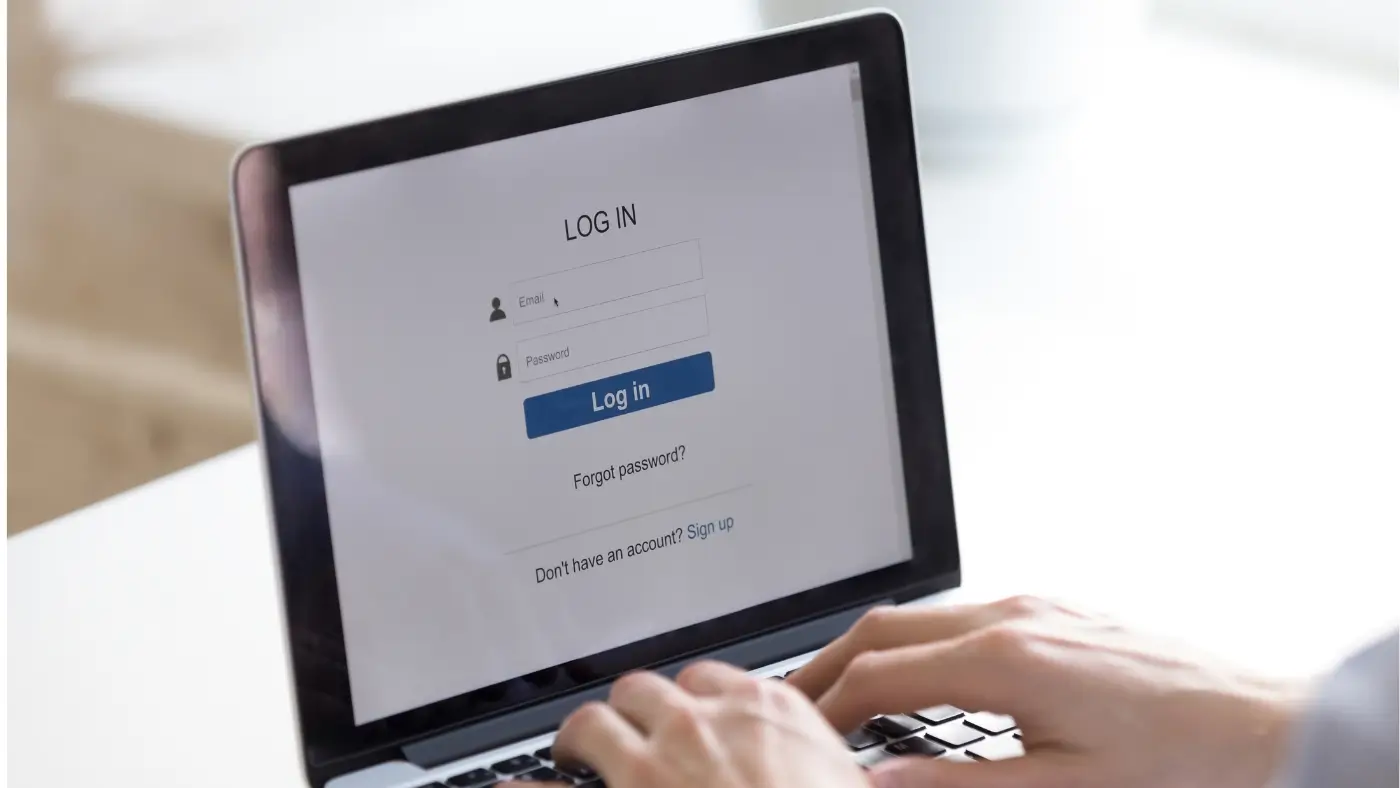
Login problems are among the most common technical issues people face when using websites, applications, and online platforms. A single error message can block access to email, work tools, learning portals, and personal accounts. This can cause delays, confusion, and lost productivity. Learning how to fix login problems correctly is essential for maintaining access to digital services and protecting personal data.
Login problems are among the most common technical issues people face when using websites, applications, and online platforms. A single error message can block access to email, work tools, learning portals, and personal accounts. This can cause delays, confusion, and lost productivity. Learning how to fix login problems correctly is essential for maintaining access to digital services and protecting personal data.
This guide explains the most frequent causes of login issues and shows clear, step-by-step methods to resolve them. It is designed for beginners and focuses on practical actions that can be applied to most systems, whether on a computer, phone, or tablet.
Login issues rarely happen without a reason. They usually result from incorrect credentials, system errors, browser problems, or security blocks. Identifying the root cause is the first step to a reliable solution.
Many login failures occur because the entered details do not match the system records. Even a small typo or extra space can prevent access.
Common causes include:
Some systems block accounts after several failed attempts. This is done to protect against unauthorized access. However, it can also affect legitimate users.
Corrupted cache, outdated browsers, or system errors can interfere with login forms and authentication processes.
Slow connections, temporary outages, or firewall restrictions may block login requests before they reach the server.
Before using advanced solutions, simple checks can resolve many issues quickly.
This helps determine whether the problem is device-related or account-related.
A weak or unstable connection may stop the login request from being processed.
Follow these steps in order. Stop once the problem is resolved.
Outdated software may not support modern login systems. Updating ensures compatibility and security.
Some extensions block scripts or cookies. Temporarily disabling them can restore login access.
If many users report problems, the issue may be on the server side. Waiting until the system is restored is the safest solution.
Some problems are not related to passwords or accounts but to technical limitations.
Login systems rely on cookies to maintain sessions. If cookies are blocked, login attempts may fail.
If a code is not received, the system cannot verify identity. This can be caused by:
Security software and VPNs may block authentication servers. Turning them off temporarily can help test the connection.
These actions often make login problems worse and increase the risk of account lockouts.
These habits reduce the chance of future login failures.
This may happen if the account is locked, the browser has cached errors, or the system is experiencing delays.
It depends on the platform. Some unlock after minutes, while others require manual verification.
Yes. Slow or restricted connections may prevent authentication servers from responding.
Yes. It only removes stored data that may interfere with login sessions.
Login issues can occur for many reasons, but most are easy to resolve with the right approach. By following the steps in this guide, users can quickly fix login problems and restore access safely. Regular updates, careful password management, and basic troubleshooting habits help prevent future disruptions and ensure smooth access to online services.